
Micro-Manager ClearVolume Plugin
This is a 3D Viewer that uses Loic Royer’s ClearVolume library for 3D visualization on any GPU that supports OpenCL.
ClearVolume: open-source live 3D visualiztaion for light-sheet microscopy
Starting the plugin
The plugin is accessible through the gear icon.
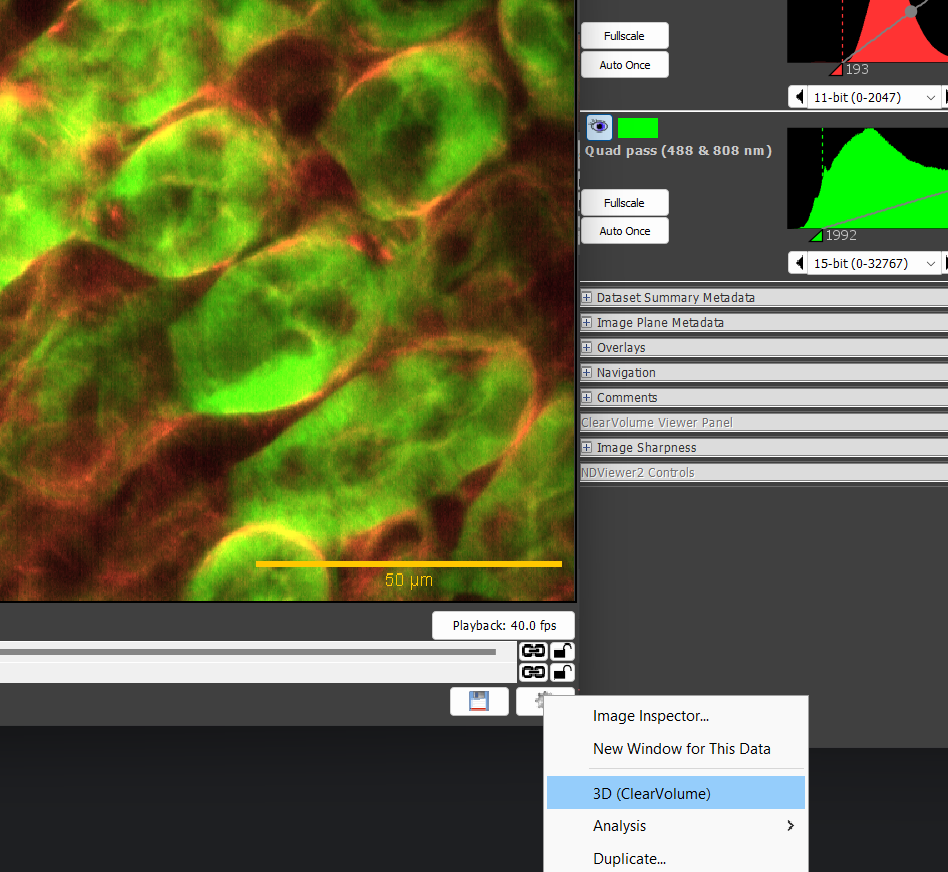
When all goes well, the image appears in its own viewer, where you can rotate it (click on the left mouse button and move), zoom in and out (use the mouse scrollwheel or equivalent), and pan (use the right mouse button).
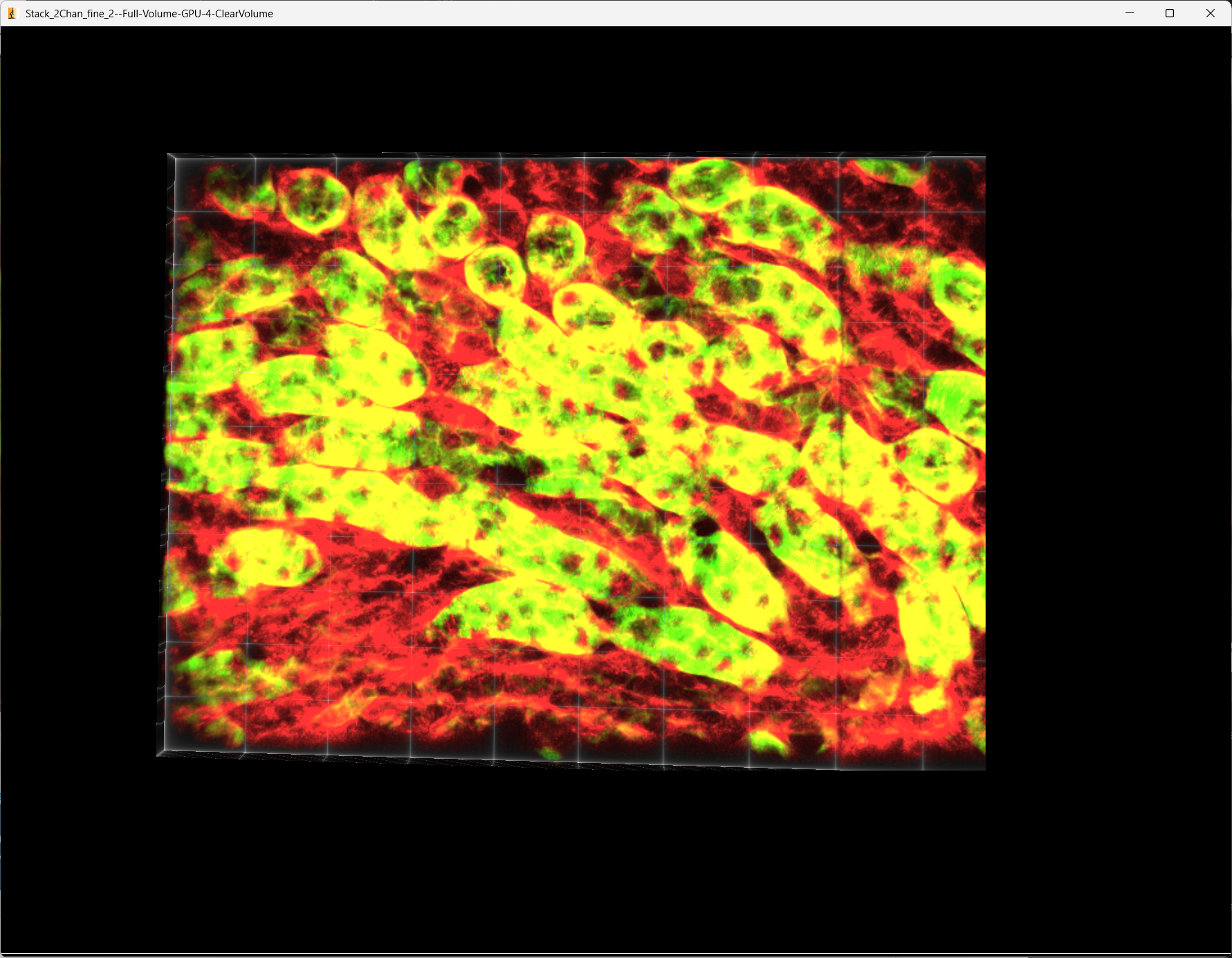
Changing Brightness/Contrast and visibility of channels
Use the Inspector window as usual to change brightness/contrast, gamma, and visibility of each channel, just as for any other Micro-Manager viewer.
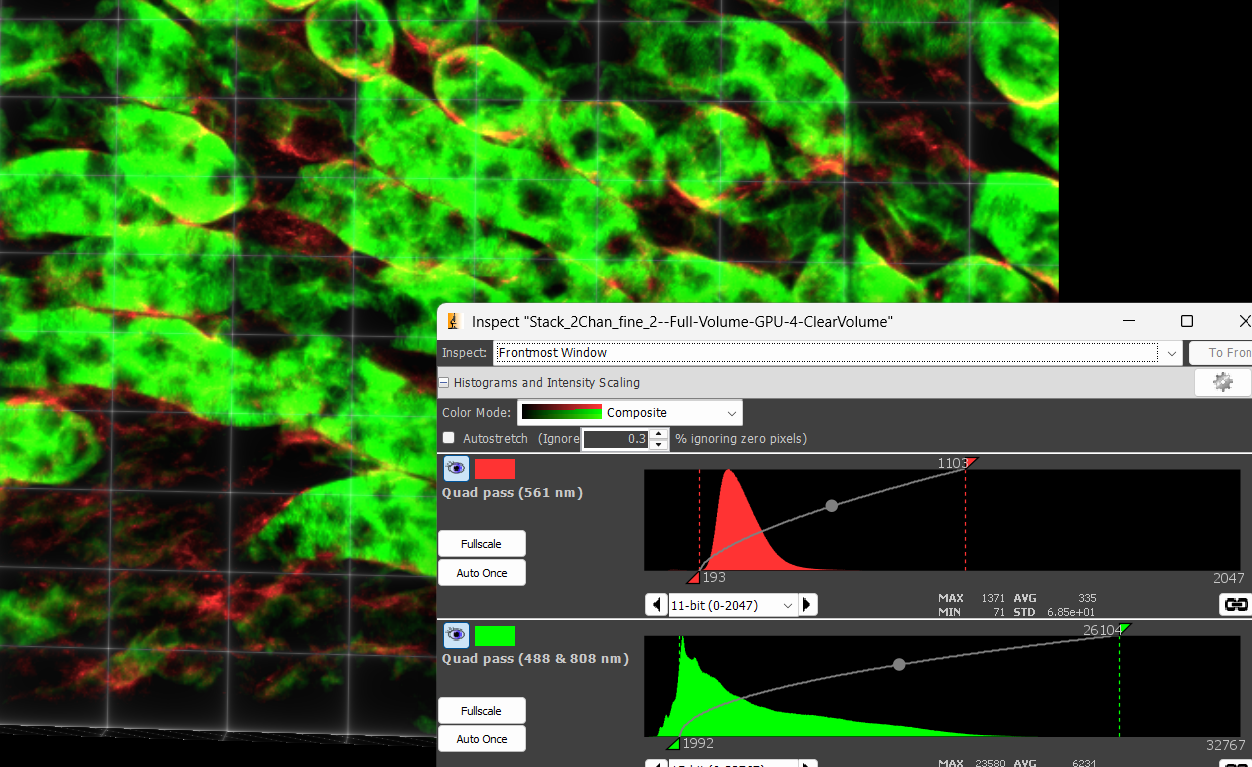
Inspector Panel controls
Also note the “ClearVolume Viewer Panel” in the Inspector.
WHen you have a time lapse series, a slider for time points will appear, which you can use to play 3D time lapses.
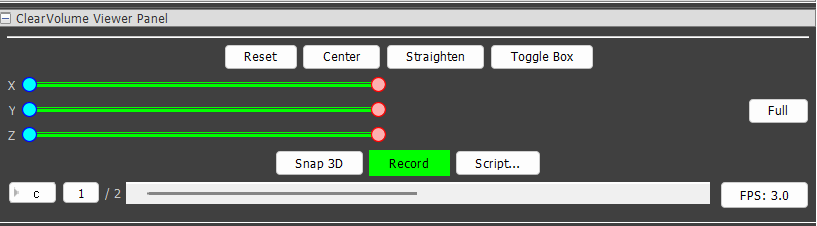
This let’s you get back to the original orientation (uinsg the Resest button), toggle the wireframe box off and on, snap a view that you like (it will appear in an ImageJ window), The sliders let you clip in x, y, or z. Also note that when you clip form both top and bottom, you can grab the middle of the slider and move back and forth. Record your movemets (which also will appear in an ImageJ window). For nicer looking presentations, you can create a Script. Do not be scared, there is a lot of assisstance in the 3DScript editor, including the ability to create keyframes and anmiate between them.
ClearVolume: open-source live 3D visualiztaion for light-sheet microscopy